
Below is a comprehensive, beginner-to-advanced article written specifically for IT enthusiasts who want to manage and operate the entire Shopify platform using n8n with AI-powered automation. The structure is clear, practical, and suitable for learning and implementation.

Mastering Shopify Management with n8n AI Automation
A Complete Guide for IT Enthusiasts
1. Introduction to Shopify and Its Significance in E-Commerce

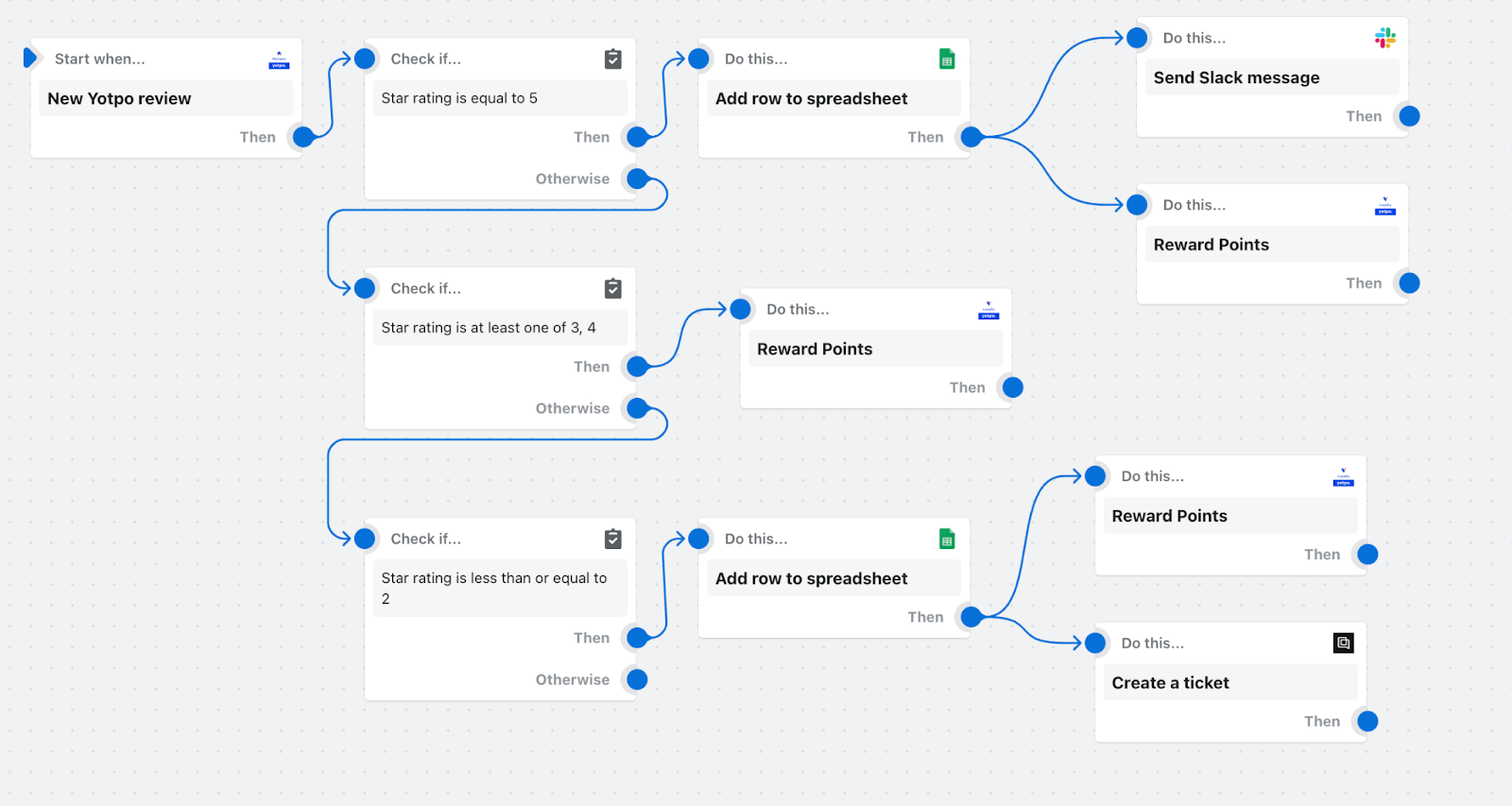

Shopify is one of the world's most popular e-commerce platforms, enabling businesses to create, manage, and scale online stores with minimal infrastructure overhead. From startups to enterprise brands, Shopify handles critical operations such as:
- Product and catalog management
- Order processing and payments
- Customer management
- Inventory tracking
- Marketing and analytics
However, as stores grow, manual management becomes inefficient and error-prone. This is where automation becomes essential.
For IT enthusiasts, Shopify's robust API ecosystem opens the door to advanced integrations, custom workflows, and intelligent automation-especially when combined with tools like n8n.
2. Overview of n8n as an Automation Tool
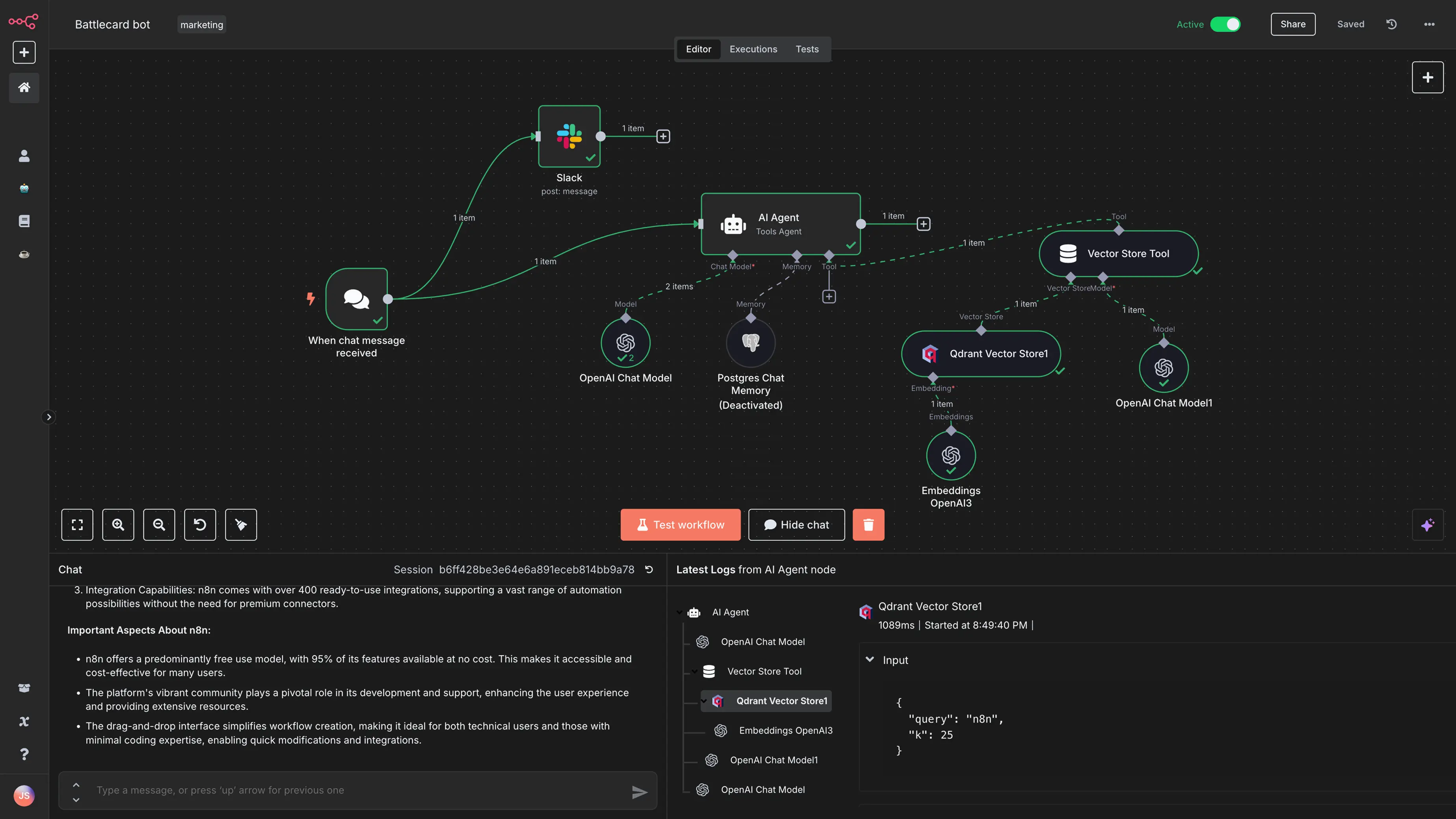
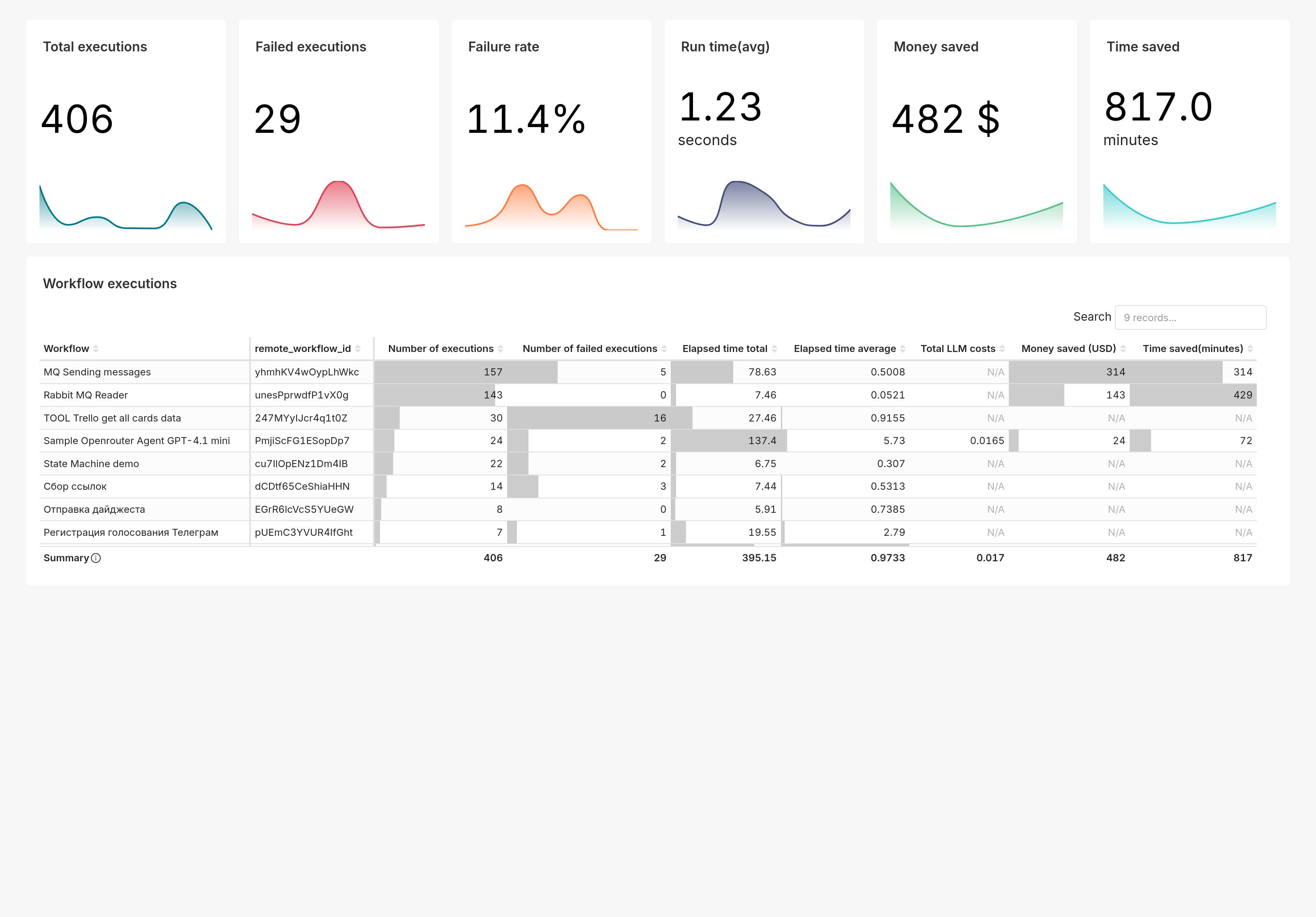
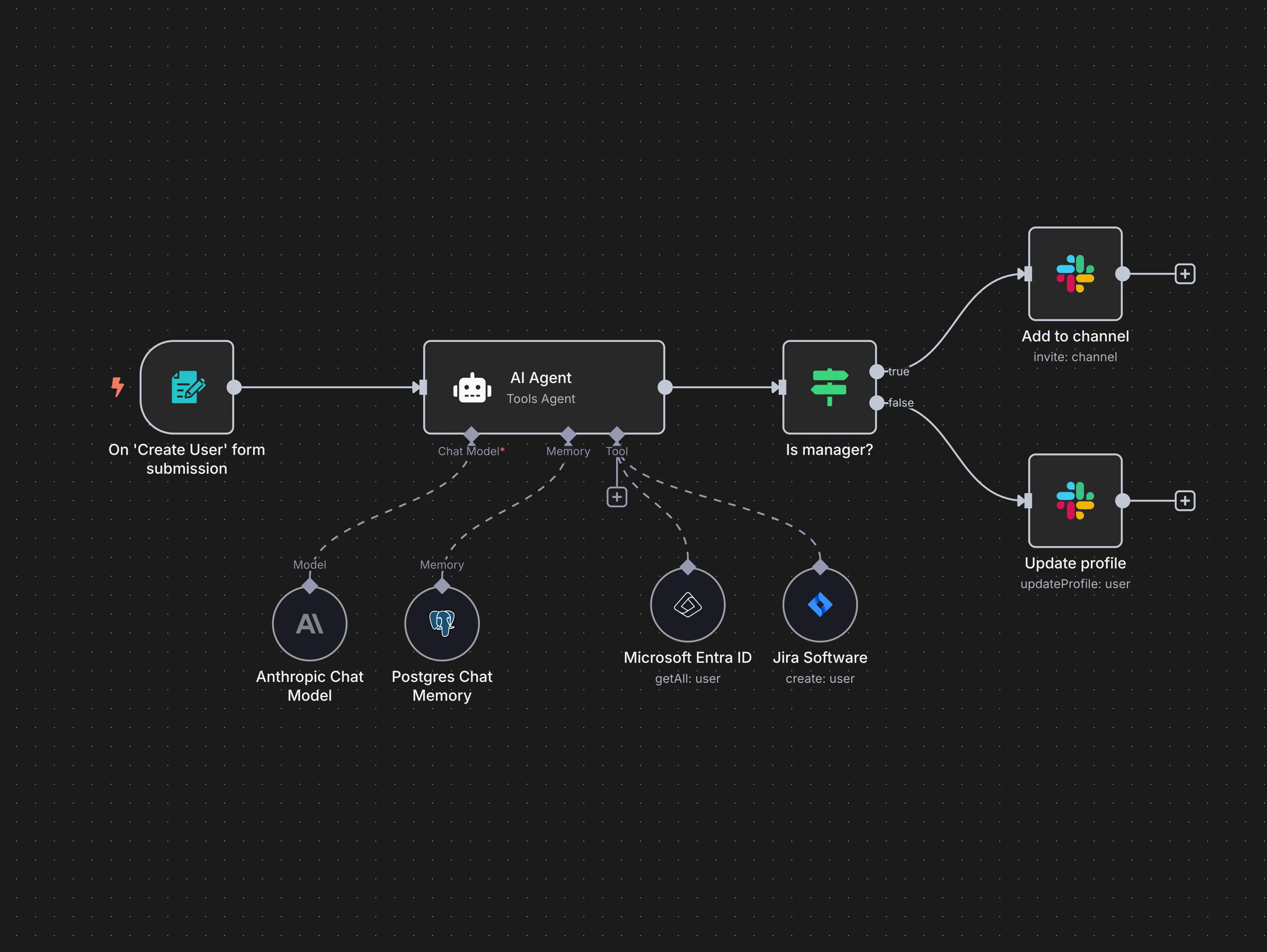
n8n (node-to-node) is an open-source workflow automation platform designed for developers, DevOps engineers, and automation architects.
Key Features of n8n
- Visual workflow builder (low-code / no-code)
- Self-hosted or cloud-hosted
- Native Shopify API integration
- Support for AI models (OpenAI, Hugging Face, etc.)
- Webhooks, REST APIs, cron jobs
- JavaScript function nodes for advanced logic
Why n8n Is Ideal for Shopify Automation
- Full control over data and logi
- No vendor lock-in
- Easily integrates Shopify with CRMs, ERPs, email tools, AI services
- Scales from simple automations to complex AI-driven systems
3. Setting Up n8n for Shopify Integration


3.1 Prerequisites
Before integrating n8n with Shopify, ensure you have:
- A Shopify store (Basic or higher)
- Shopify Admin access
- A Shopify private/custom app
- An n8n instance (Cloud or Self-Hosted)
- Basic understanding of APIs and JSON (recommended)
3.2 Creating an n8n Account
You can use:
- n8n Cloud (quickest for beginners)
- Self-hosted n8n (Docker / VPS for advanced users)
3.3 Connecting n8n to Shopify
Step 1: Create a Shopify App
- Go to Shopify Admin → Settings → Apps & Sales Channels
- Click Develop apps
- Create a new app
- Enable Admin API access
-
Assign required scopes:
- Products
- Orders
- Customers
- Inventory
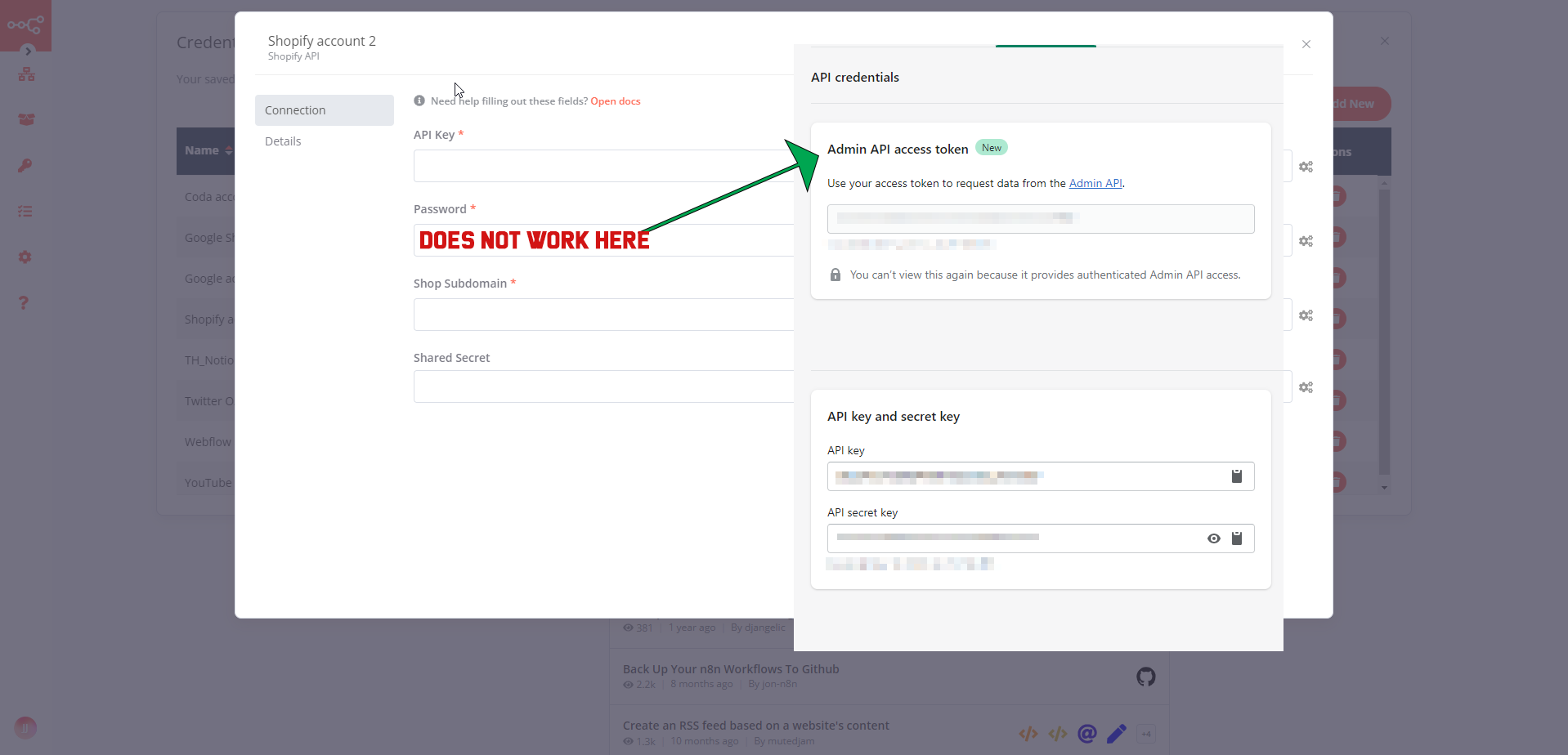
- Generate API Key & Access Token
Step 2: Configure Shopify Node in n8n
- Add a Shopify node
- Select Credentials → New
-
Enter:
- Store URL
- API Access Token
- Test the connection
✅ Your Shopify store is now connected to n8n.
4. Common Shopify Automation Workflows Using n8n
4.1 Automating Product Updates
Use case: Sync products from ERP, Google Sheets, or AI-generated content.
Workflow Example:
- Trigger: Google Sheet update / Webhook
- Node: Shopify → Create or Update Product
- Optional: AI node to generate product descriptions
- Result: Automatic product publishing
- No manual uploads
- Consistent product data
- Faster catalog updates
4.2 Managing Orders and Customer Notifications
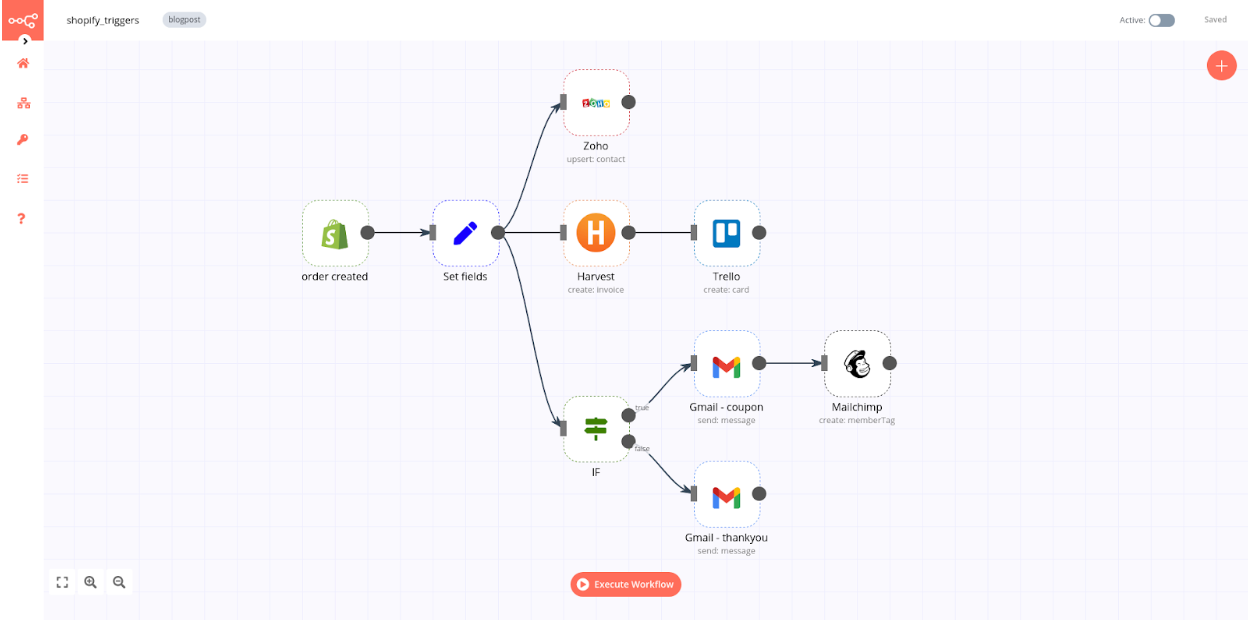
Use case: Automatically process new orders. Workflow Example:- Trigger: Shopify → Order Created
- Node: Inventory check
- Node: Email / WhatsApp / Slack notification
- Node: ERP or fulfillment system update
- AI-generated personalized order confirmation messages
- Fraud detection using AI scoring models
4.3 Inventory Management and Stock Alerts
Use case: Prevent overselling and stock-outs. Workflow Example:- Cron trigger (every hour)
- Shopify → Get inventory levels
-
IF node:
- If stock < threshold
-
Action:
- Send alert email
- Update supplier system
- Pause product automatically
4.4 Automating Marketing Campaigns and Emails
Use case: AI-driven customer engagement. Workflow Example:- Trigger: New customer / abandoned cart
-
AI node:
- Generate personalized email content
-
Email node:
- Send via Mailchimp / SMTP
- CRM update
- Customer segmentation using AI
- Automated discount generation
- Retargeting campaign triggers
5. Best Practices for Using n8n with Shopify
💡 Design Smart Workflows- Use modular workflows
- Reuse sub-workflows
- Use n8n credentials manager
- Rotate Shopify tokens regularly
- Enable workflow execution logging
- Use error notifications
- Avoid excessive polling
- Use webhooks instead of cron when possible
- Use AI for content, predictions, classification
- Keep business logic deterministic
6. Troubleshooting Common Integration Issues
Issue: Shopify API Rate Limits
Solution:- Use batching
- Add wait/delay nodes
- Optimize API calls
Issue: Authentication Errors
Solution:- Verify API scopes
- Regenerate access tokens
- Check store URL format
Issue: Workflow Failures
Solution:- Enable error workflows
- Add fallback logic
- Inspect execution logs
Issue: Data Mismatch
Solution:- Validate JSON schemas
- Use Set / Function nodes for transformations


